Project
Install into the current workspace.
npx skills add lakesoftai/deepdone-agent-skills --skill '*'
AI agent skills for automated software delivery
Turn requirements into reviewable local commits. A supervisor handles planning, implementation, verification, and fixes - pausing when you need to step in.
Project
npx skills add lakesoftai/deepdone-agent-skills --skill '*'Global
npx skills add lakesoftai/deepdone-agent-skills --skill '*' -gNode/npm with npx
skills CLI available through npx skills
Codex or another skill-capable agent
Git repo initialized
Use the prompt below:
Use $deepdone-orchestrate
Requirements: [describe your requirements here or add link to requirements file]
Mode: one-stepLet DeepDone keep moving when the task is clear. Take one step when you want control. The same supervisor and gates apply either way.
End-to-end path
Use $deepdone-orchestrate to implement the following requirements
end to end: @some-requirements.mdManual control
Use $deepdone-orchestrate.
Requirements: <your goal>
Mode: one-step.Workflow
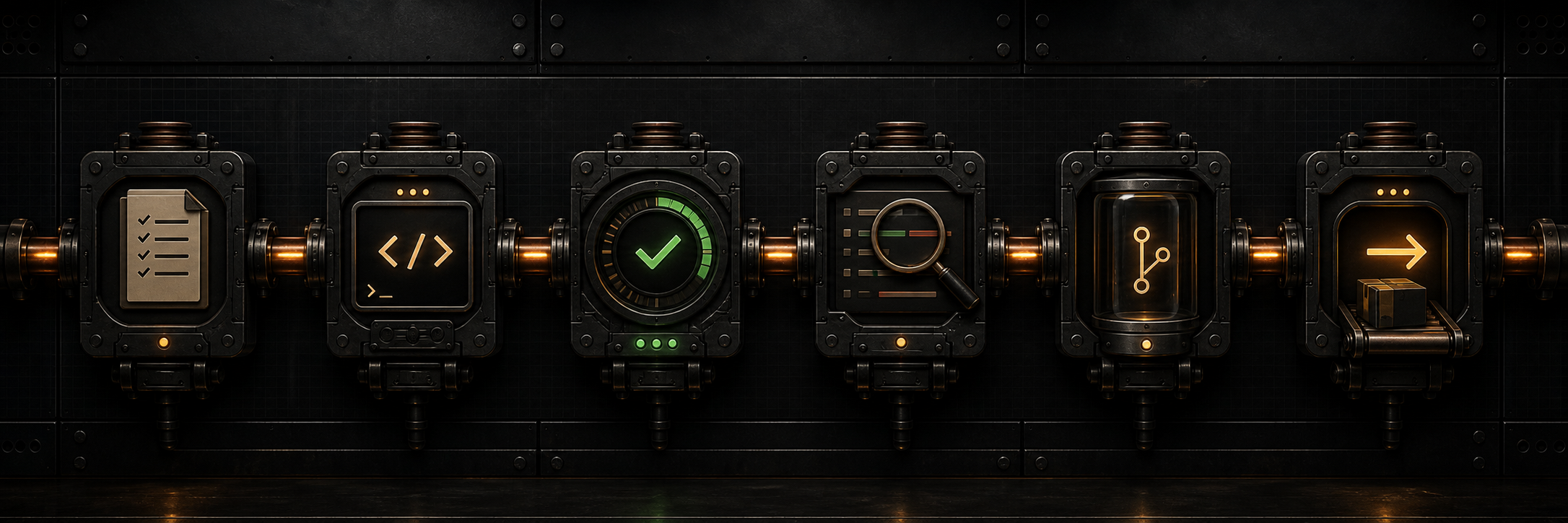
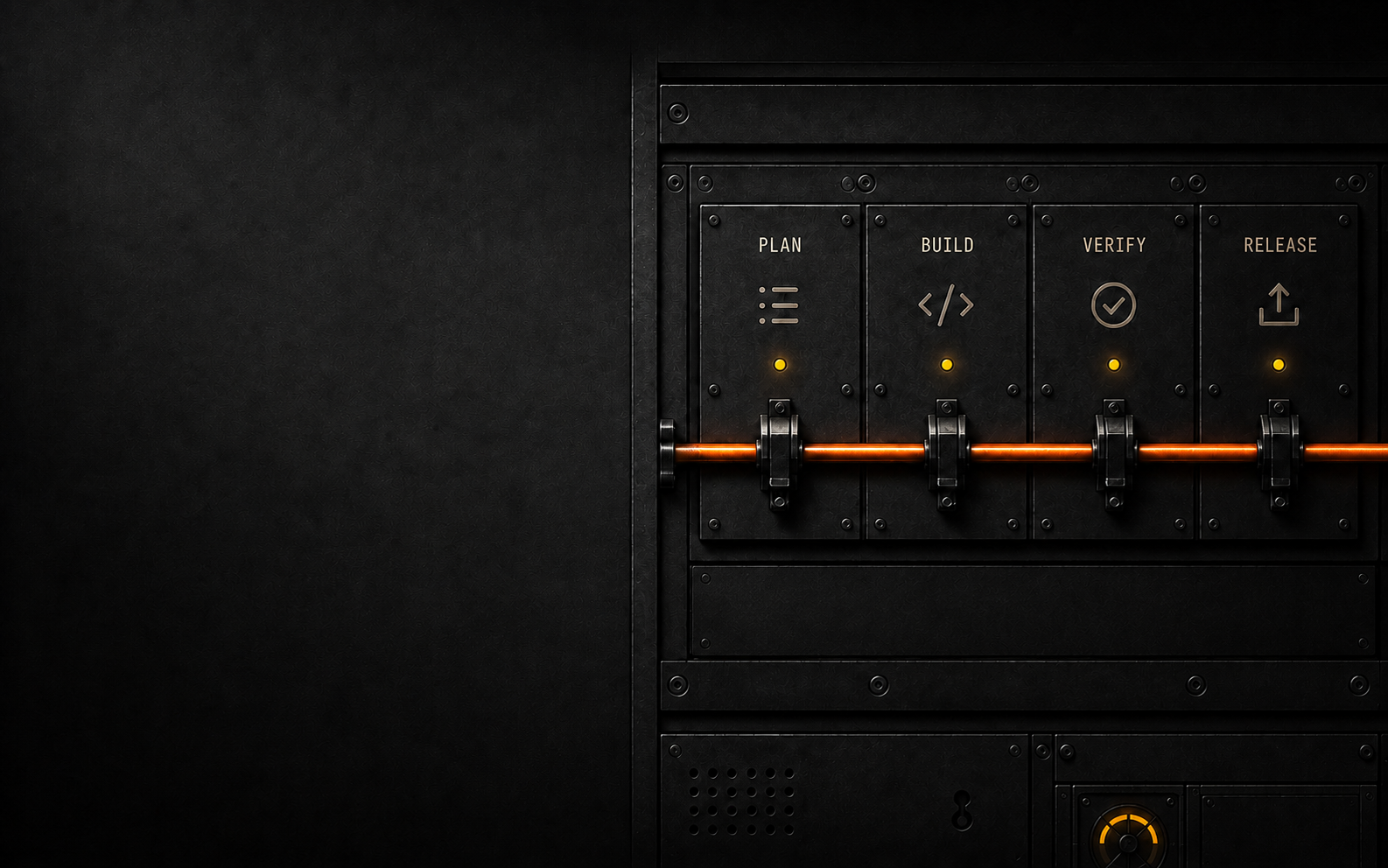
DeepDone moves work through one visible path, with gates before anything becomes a commit or handoff.
Safety
Durable state makes long work recoverable. Safety gates make sure lifecycle actions stay explicit.
notes/roadmap.mdTiny initiative index with one active epic and queued future work for multi-epic tasks.
notes/epics/YYYY-MM-DD-<slug>.mdActive ledger with milestones, decisions, verification log, open loops, and next action.
.deepdone/runs/YYYYMMDD-HHMMSS.jsonlSupervisor audit trail for looped runs.
.deepdone/STOPEmergency halt file. If present, DeepDone stops before work continues.
Skills
deepdone-orchestrateStart here when you want DeepDone to choose the right next step and keep the work moving safely.
deepdone-planUse this when you have new requirements and want them broken into the right size before coding starts.
deepdone-syncUse this when work was interrupted, the thread got long, or you need DeepDone to figure out what is really current.
deepdone-advanceUse this when one large phase is done and you want to move to the next planned phase.
deepdone-decideUse this when the task needs a technical choice before coding, such as picking an approach, library, API, or migration path.
deepdone-implementUse this when the next piece of work is clear and you want DeepDone to make the code change.
deepdone-verifyUse this when code changed and you want the smallest useful checks run before calling it done.
deepdone-reviewUse this when the change is built and verified, and you want a skeptical code review before commit or handoff.
deepdone-fixupUse this when review found clear issues and you want DeepDone to fix them without expanding scope.
deepdone-commitUse this when verified work is ready to become a clean local commit.
deepdone-prUse this when a local commit is ready and you want a pull request / merge request draft, release notes, or CI inspection.
deepdone-archiveUse this after work has merged or shipped and you want the DeepDone ledger closed out.
No. DeepDone is bounded automation. The orchestrator can keep moving while state is clear and gates pass, but it stops for ambiguity, unsafe actions, risky judgment, missing acceptance criteria, unexpected dirty files, or unauthorized lifecycle actions.
Install the skills, then start with $deepdone-orchestrate. Use Mode: end-to-end for a normal implementation run, Mode: one-step for one transition, or Mode: inspect-only to classify state without edits.
It runs the workflow from intake toward a local commit, bounded by safety gates. It does not silently push, merge, deploy, archive, or mutate production.
Yes. Use direct child skills when you already know the workflow stage: verify for checks, review for local diff review, commit for commit candidate or local commit work, and pr for PR/MR handoff.
Not, of course. For small tweaks or side tasks you may still prefer normal prompts in your agent. Use DeepDone only when it helps.
Yes. Just like with other skills, you may use them in combinations.
Run the orchestrator again with one-step or inspect-only, or use the sync skill. DeepDone will help you to get started when you return to the project after a while.
No. Those actions are never implicit. Push, merge, deploy, archive, destructive git, production mutation, and data deletion require explicit approval.